




Candyspinz App
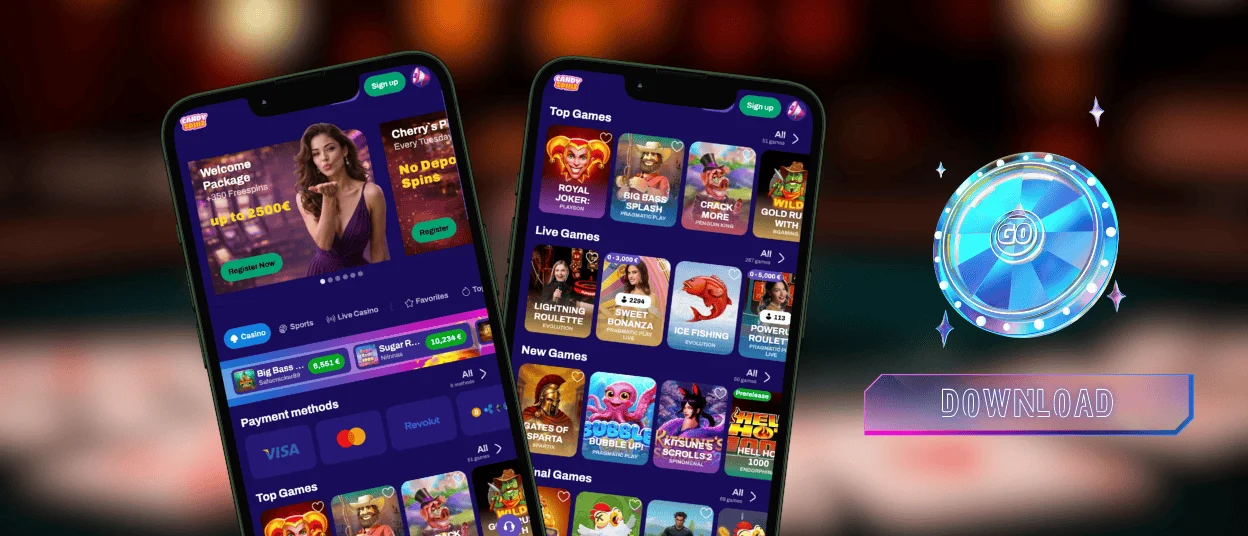
If you don’t want to be tied to one place, the Candyspinz app is available to you. It runs quickly and gives you full control over your account. You can launch casino games with a single tap.



Key Features of the Candyspinz App
The Candyspinz app is lightweight and offers everything available in the desktop version. You’ll be able to play and earn bonuses just the same. The account management tools are optimized for your phone.
Our mobile app sends push notifications about new promotions and other news. You’ll also enjoy a convenient touchscreen interface. The Candy Spinz app supports secure login via biometrics: Face ID or fingerprint. With this feature, you can log in faster without having to enter your credentials.
Long gaming sessions and live dealer games are more immersive on a computer’s larger screen. The desktop version is for you if you want to relax and play for longer.
| Feature | Candyspinz App | PC Version |
| Access | Play anywhere | Requires a desktop |
| Interface | Touch-friendly for smaller screens | Mouse and keyboard for larger displays |
| Long Sessions | Battery usage is higher | More comfortable for extended play |
| Notifications | Push notifications about promos and account updates | Notifications depend on browser settings |
| Storage | Lightweight – uses very little storage | No storage usage beyond browser cache |
Pros and Cons of Candyspinz App
Our mobile software works as a progressive web app. This means it runs through a browser but functions like a regular app. Unlike traditional solutions, you don’t need to go to the App Store or Google Play to download it because it’s available for installation from the Candy Spinz Casino website.
A PWA is lighter and takes up very little memory. You avoid downloading large files. However, there are a few issues that aren’t ideal. For example, the app won’t work without an internet connection. Also, it isn’t integrated into the device the way a native app is.
Candyspinz App for Android
The Candyspinz app is available for any Android device with an internet connection. It works perfectly and offers full access to games and bonuses. All account functionalities are available in our Android app. You can complete the verification process here and contact our support team via live chat. Installation is really simple and takes just a few taps.
Candyspinz APK
The Candy Spinz app works as a progressive web app, so you don’t need to download or install APK files from external sources. You can add it directly from the official Candyspinz website when you create a shortcut on your home screen.
Users can simply open the mobile casino in their browser and select “Add to Home Screen” in the menu. When you confirm the action, the Candyspinz icon will appear alongside your other apps. You can tap it anytime to launch the casino.
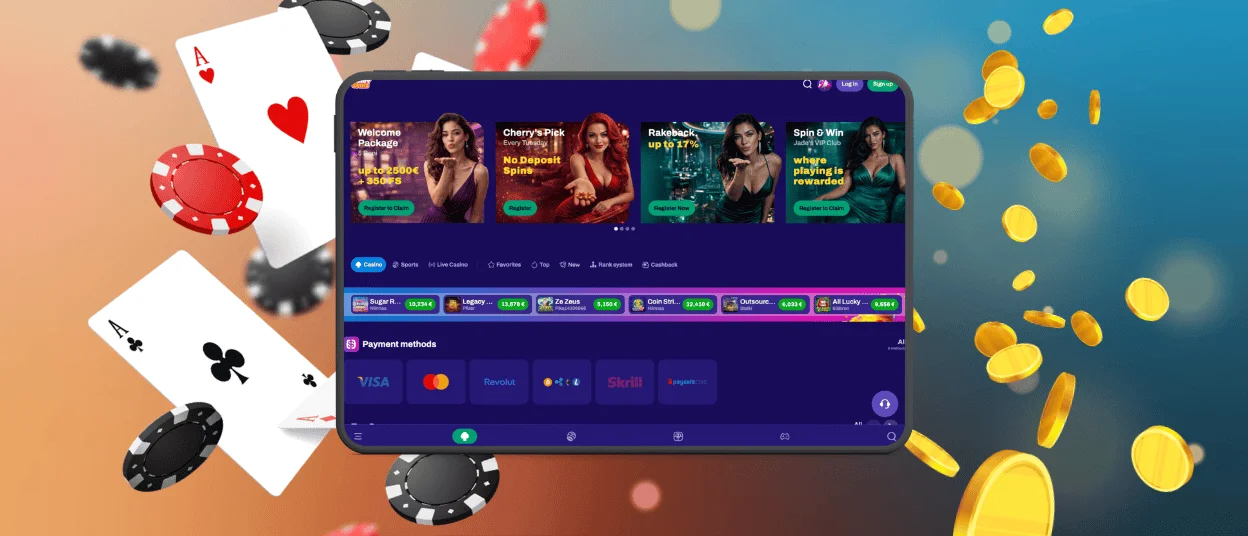
Mobile Application for iPhone and iPad
You can install the iOS app directly from Safari with just a few taps. Once installed on your home screen, you’ll have instant access to all your favorite online slots and tournaments.
Getting the app onto your iPhone or iPad takes less than a minute:
- Firstly, users need to open Safari and go to the official Candyspinz Casino website.
- Then they should tap the Share icon at the bottom of the screen.
- After that, users have to scroll down and select “Add to Home Screen” and confirm.
The Candyspinz Casino icon will appear on your home screen. The app keeps your account synced across all devices so you can switch from phone to laptop.
Play Candy Spinz Casino on Mac or Windows
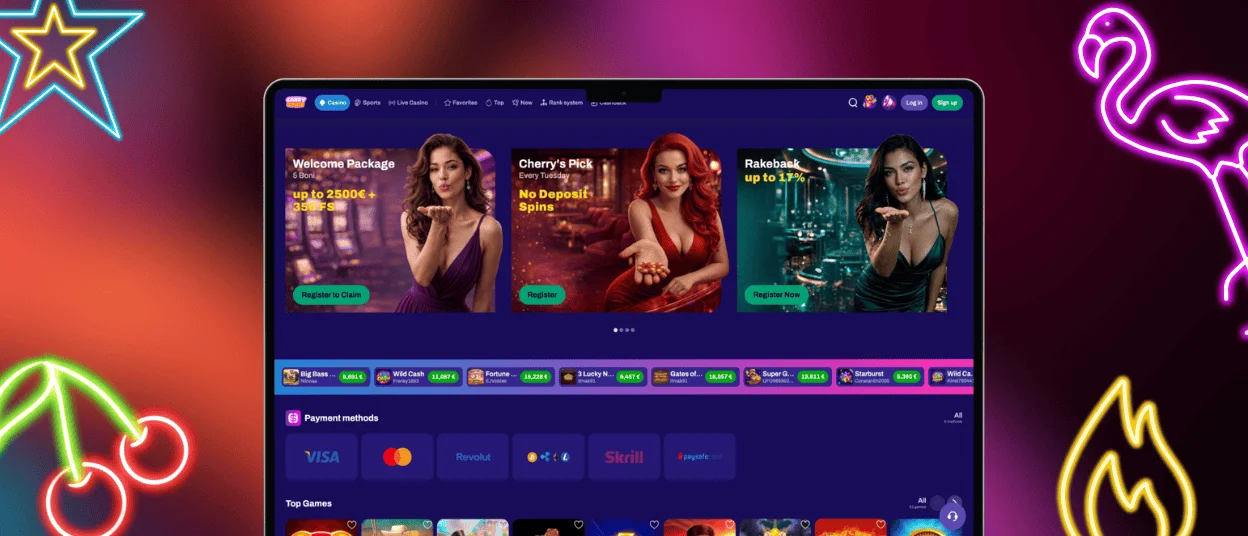
Our platform runs on Windows or macOS using any modern browser. No downloads are required, as everything is accessible via the website. For quicker access, you can create a desktop shortcut and launch Candyspinz as a standalone application with a single click.
The desktop version really shines during long gaming sessions. The graphics are sharper, and the large screen makes everything more comfortable – especially for live dealer games or for keeping track of multiple tables at once.
You get full access to all of the Candy Spinz Casino features. If you want to create a Candy Spinz shortcut on your desktop, click the lock icon in the address bar and drag it to your desktop. On macOS, highlight the URL and drag it to your desktop.
PWA Security Advantages
The Candy Spinz app uses the same security infrastructure as the main website, so you’re getting the same level of protection. No APK files or apps need to be downloaded from third-party stores because you install the PWA directly from the official Candyspinz website. This makes it much less likely that tampered software will wind up on your device. The PWA runs in your browser so it comes with advanced security features like sandboxed environments and secure session handling.
| Security Feature | How It Works | Why It Matters |
| Runs inside a browser sandbox | The app is isolated from your device’s core system | Malware code can’t access your personal files |
| Same security as desktop | The PWA uses the same backend protections | No compromise on safety when playing on mobile |
| Biometric authentication | Uses your device’s built-in biometric sensors for login | No password needed every time |
FAQ
Are app permissions required for core functionality?
Yes, our solution needs some permissions to function properly. For example, the Candy Spinz app will have to access your device’s storage so it can make loading times faster. Notifications are another common access-rights request to improve your gaming experience. These are normal permissions that help the app to work.
Will the PWA run smoothly on older devices?
Yes, the Candyspinz PWA runs on most devices, even older models. Your internet connection is the key issue here. If your connection is good, the app will run smoothly. Older devices, however, depending on the processing capability and the browser version, can take a little longer to load the images.
Can I install the app outside official app stores?
For installation, users just add it directly to their home screen from the official Candyspinz Casino website. This method is safer as you don’t have to receive files from other sources that might have been altered or infected. It also guarantees that all security patches are being deployed quickly.


